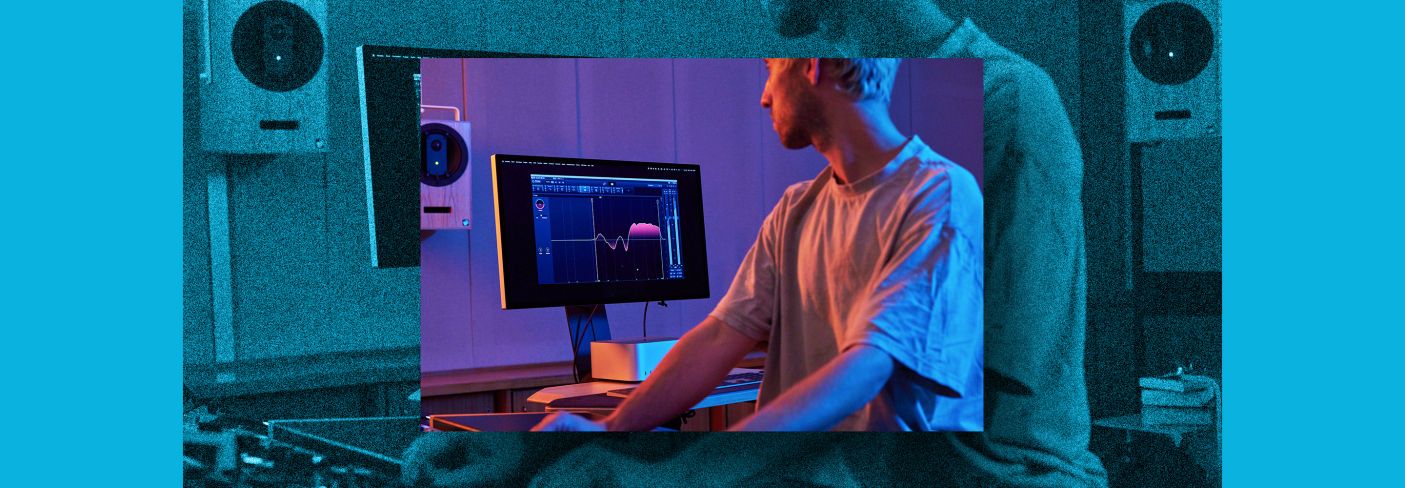
The following options are available in the dropdown menu and determines how processing is applied by the Equalizer: Stereo, Left/Right, Mid/Side, Transient/Sustain.
Stereo EQ
Stereo Mode applies processing to the entire stereo channel. When selected, EQ adjustments will apply to both the Left and Right channels.
Left/Right EQ
Left/Right Mode separates the left and right channels so you can EQ each independently of one another. For example, if your guitar is panned hard left and you hear the unpleasant scraping sound as the guitarist’s fingers slide across the fretboard, you should isolate the frequency on the left channel and attenuate it. If you use Stereo mode (instead of Left/Right mode), attenuating that frequency will affect the entire mix rather than the left channel where the problematic frequency lies. Just be careful not to shift the energy or overall image to one side more than the other.
Mid/Side EQ
Mid/Side[1] mode is almost better thought of as frequency-selective width control. It’s often described as affecting the center and edges of the stereo image, but it’s really quite a bit more nuanced than that. We won’t get too into the weeds here, but don’t be fooled into thinking you’re just EQing things at the edges or the center of the stereo field.
It is true that by using an EQ in mid/side mode you’re altering the tonal balance, but you’re also doing it in a way simultaneously alters the width in the EQed region. Here are some basic principles to keep in mind.
- A boost in the mid channel narrows that frequency while also making it more prominent.
- A cut in the mid channel widens that frequency while making it less prominent.
- A boost in the side channel widens that frequency while making it more prominent.
- A cut in the side channel narrows that frequency while making it less prominent.
For example, if the lead vocal feels like it’s a little buried you might add a mid channel boost around 1.8k—or some other prominent frequency region in the vocal. This will both narrow it—along with other instrumentation at that frequency—and make it more prominent. The net effect is that it feels more focused and forward, but don’t forget to listen for the tradeoff of other things in that frequency range also getting narrower and making sure that you’re happy with both.
Lastly, don’t discount the role of phase response in mid/side EQ! It’s well worth auditioning between Analog and Digital modes in the Ozone equalizers. In digital mode you can even manipulate the phase response of each individual filter. Personally, I go for digital mode with a linear phase response nine times out of ten, but your mileage may vary.
Transient/Sustain EQ
Transient/Sustain mode is brand new in Ozone and—surprise, surprise—allows you to EQ the transients and sustained elements in your mix separately. This can be deceptively powerful in all sorts of situations, but the classic example is a mix with dull vocals and bright drums, where a mix revision isn’t possible.
The transient “channel” allows you to tame the bright, pokey bits of the drums, while the sustain “channel” lets you bring up the low-level detail and air in the vocal. Experiment with this though—you might find your next favorite technique!
Isolate frequencies with Alt-Solo
A useful feature you can use to identify frequencies you want to boost or cut is the Alt-Solo function. You can click the Solo button on a node, or use the alt/option key when clicking on a node or anywhere in the spectrum to momentarily solo a specific frequency region. When you release the mouse click, alt-solo will be disabled.
NOTE: While you generally want to start with corrections before moving on to making enhancements, make sure you’re using subtractive EQ carefully and intentionally to avoid cutting important frequencies.
Workflow tip: Use the Stabilizer module in Ozone
The Stabilizer[2] module is an intelligent and adaptive mastering EQ that listens to your audio and reacts in real time to dynamically sculpt a professional-quality tonal balance that’s genre specific. It will automatically detect and tame problem resonance, carve away harshness, smooth transients, and add clarity for better translation across listening environments.
References
- ^ Mid/Side (www.izotope.com)
- ^ Stabilizer (www.izotope.com)